
NewPipe is an open-source YouTube client for Android. It plays YouTube without ads, keeps audio playing in the background, and downloads videos for offline use. It does not use your Google account or Google Play Services, and it is not in the Play Store. That last part is why installation and updates need a little care.
What NewPipe is
- Free and open source, with no ads and no Google login.
- Subscriptions and history stay on the device. There is no cloud sync.
- Android 6.0 or newer for NewPipe 0.29.x. Android 5 support was dropped in 2026.
- Not on the Play Store. You install the APK yourself.
NewPipe is built around YouTube. It also supports PeerTube, SoundCloud, Bandcamp, and media.ccc.de. Support varies by service, so check the app before you rely on one.
What it is not
- It is not a way around paid content, region locks, or account restrictions.
- It is not guaranteed to keep working. YouTube changes its site, and NewPipe has to catch up.
- It is not a drop-in replacement for every YouTube feature. If a feature depends on a Google account, expect it to be missing.
Install it
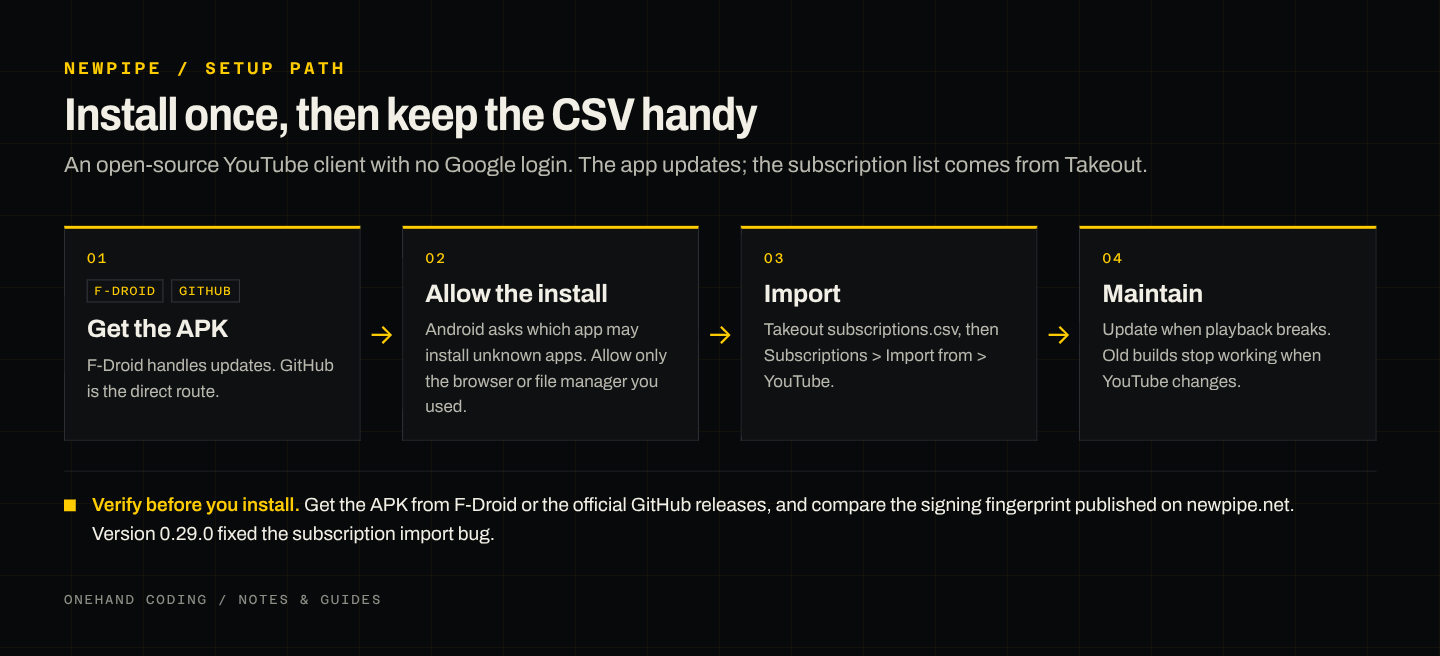
Option 1: F-Droid. Install F-Droid, search for NewPipe, and install it from there. F-Droid handles updates and serves a signed build. This is the easier path if you want updates without thinking about them.
Option 2: GitHub releases. Open github.com/TeamNewPipe/NewPipe/releases on the phone and download the APK from the latest release. Open the file. Android will ask which app may install unknown apps; allow it for the browser or file manager you used, then install. You will need to repeat the download and install for each update.
If you want to verify the download, newpipe.net publishes the signing fingerprint. Compare it before installing a build you did not get from F-Droid.
First setup
- Content: set your country and language.
- Video and audio: set a default resolution for mobile data and for Wi-Fi.
- Downloads: choose a folder and a default quality.
- Appearance: choose a theme. Dark is easier on OLED screens and at night.
The defaults are fine if you are unsure. You can change them later.
Import your subscriptions
- In Google Takeout, deselect everything and select YouTube and YouTube Music.
- Click All YouTube data included, then keep only subscriptions.
- Export as .zip and download it.
- Extract
Takeout/YouTube and YouTube Music/subscriptions/subscriptions.csv. - Move the CSV to the phone. Email, cloud storage, or a cable all work.
- In NewPipe, open Subscriptions, use the three-dot menu, and choose Import from > YouTube.
- Pick the CSV. NewPipe adds the channels.
If the import fails, update NewPipe first. Version 0.29.0 fixed a subscription import bug. Then confirm you selected the CSV file, not the zip.
After the import, subscriptions live in the left menu. NewPipe also downloads videos and keeps audio playing in the background.
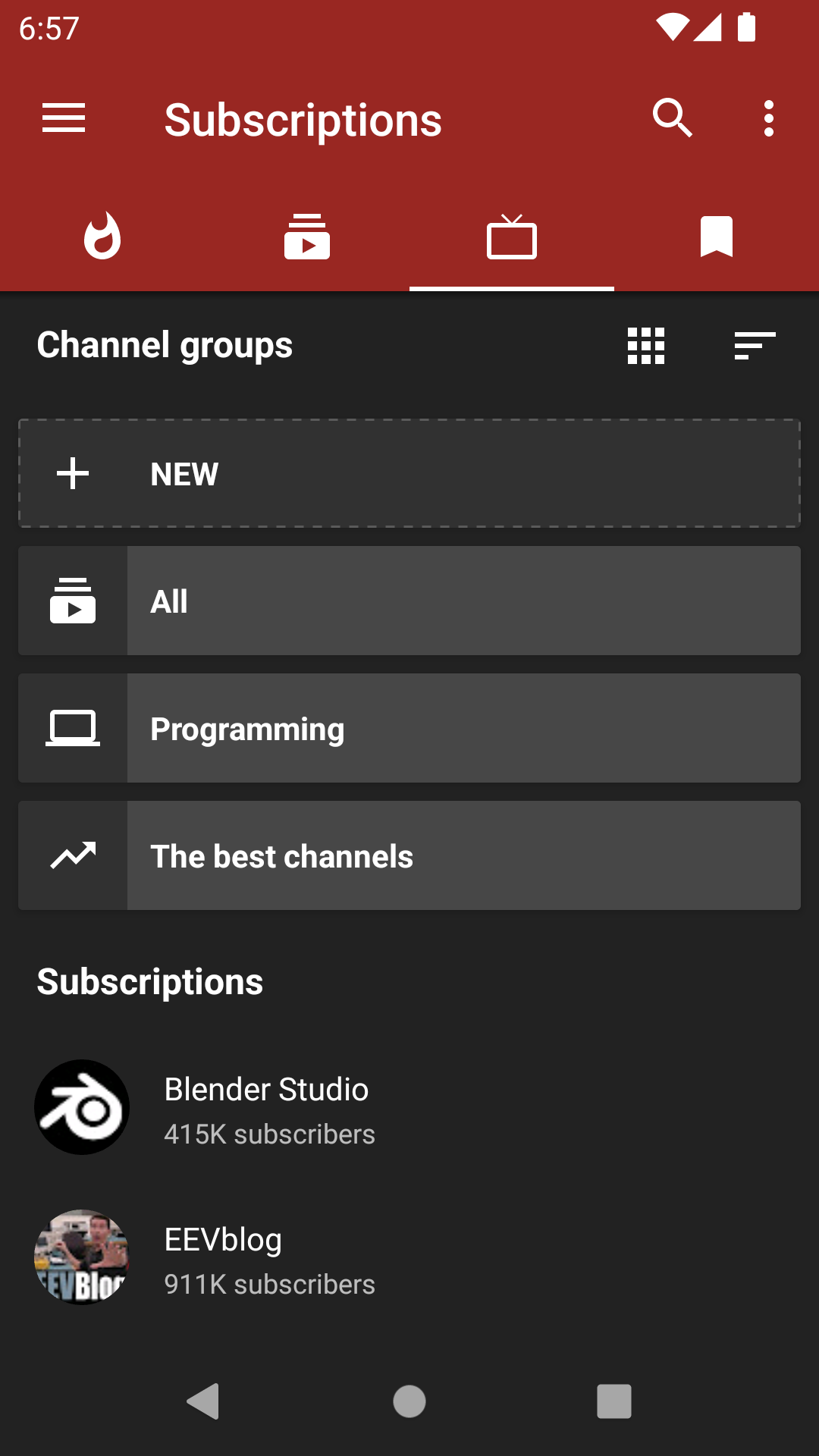
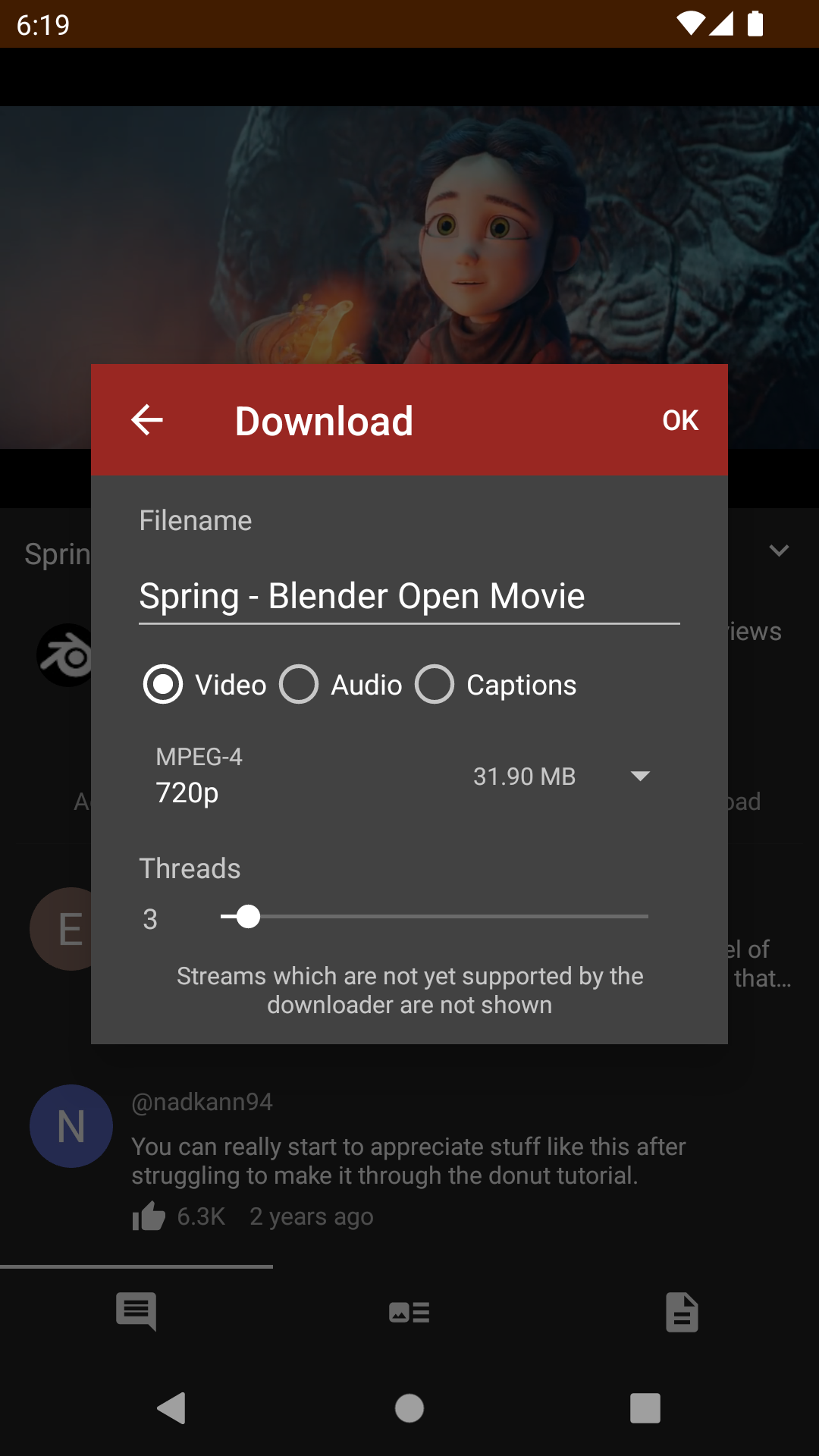
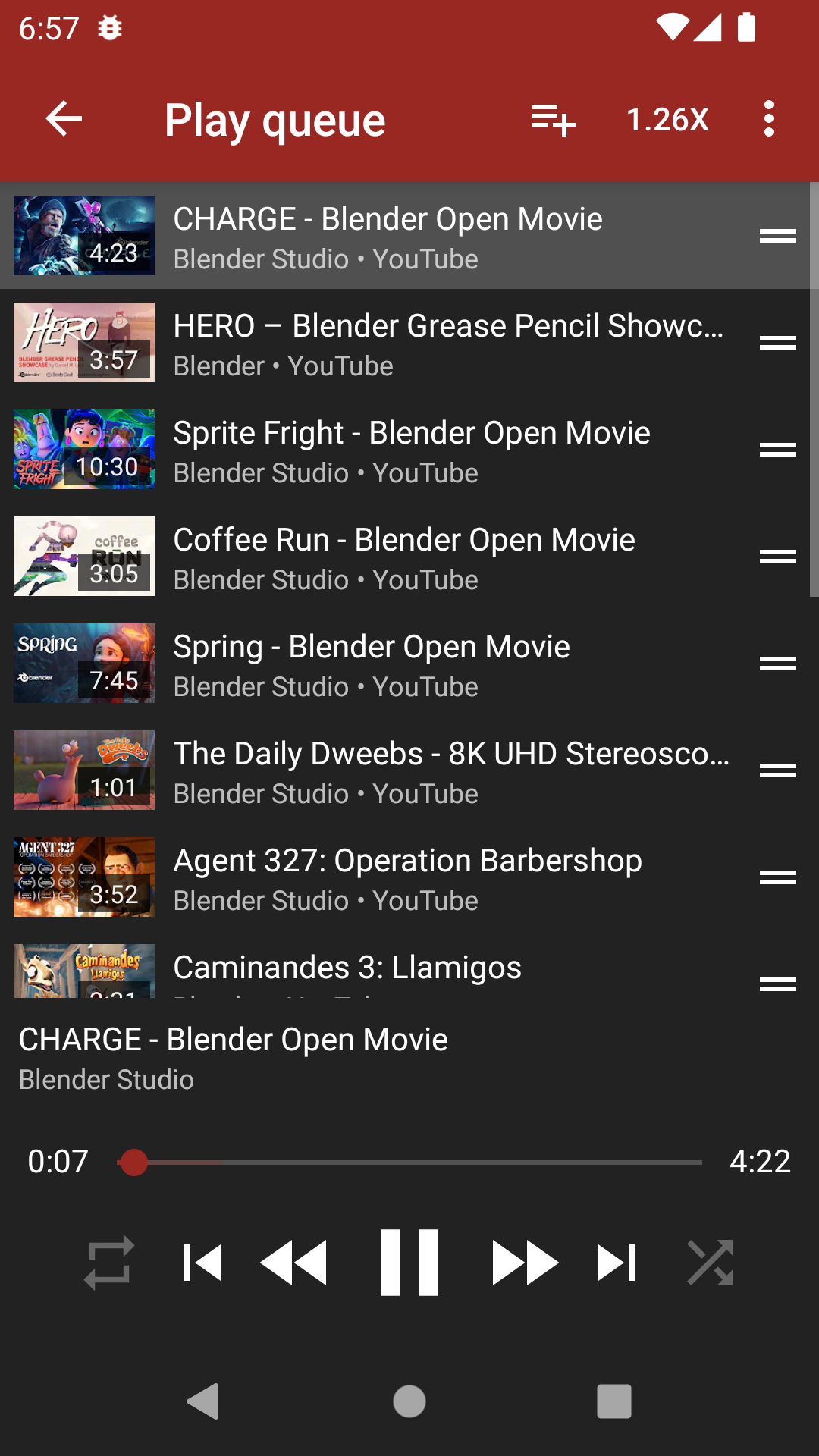
Screenshots: NewPipe, CC BY-SA 3.0.
Keep it working
- Update the app when a new release is out. Old versions stop working when YouTube changes its site.
- If playback breaks, update NewPipe before you troubleshoot anything else.
- If background playback stops, exempt NewPipe from battery optimization.
- If downloads fail, check free storage and the download folder permission.
Limits and risks
- NewPipe downloads videos from YouTube. YouTube's terms may not allow that, and local law varies. Decide for yourself before you rely on it.
- Your internet provider can still see the traffic, even without a Google account.
- The app is maintained by volunteers. There is no support line and no guarantee that a fix will arrive quickly.
- Download only from the official GitHub releases or F-Droid. An APK from a random site is a security risk, not a shortcut.
The short version
Install from F-Droid or the official GitHub release. Allow installs from your browser or file manager. Import subscriptions with the Takeout CSV. Update the app when playback breaks. Keep your expectations realistic: it is a volunteer client, not a service.